
The cable may have broken end or it may be faulty. There are many different ways in which you can connect your PC HDMI to your monitor device.
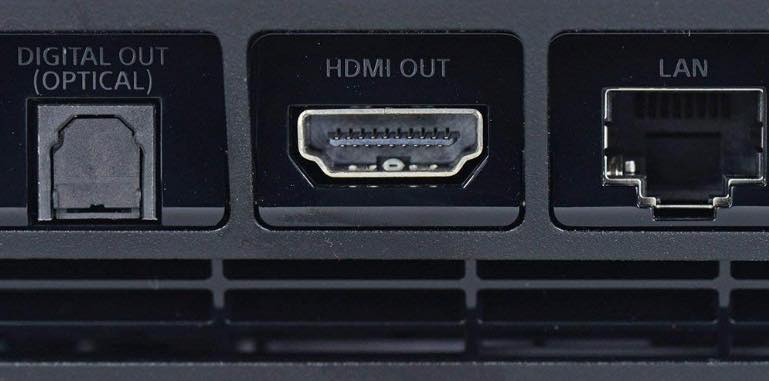
5 Ways To Fix Blank Screen On Playstation Ps4 Ps5 Saint
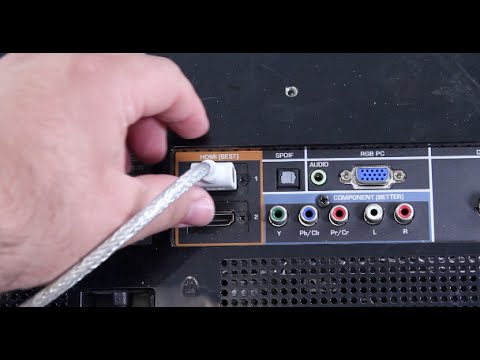
Hdmi Input Problems Tv Not Showing Image Tv Repair Help And Troubleshooting Youtube
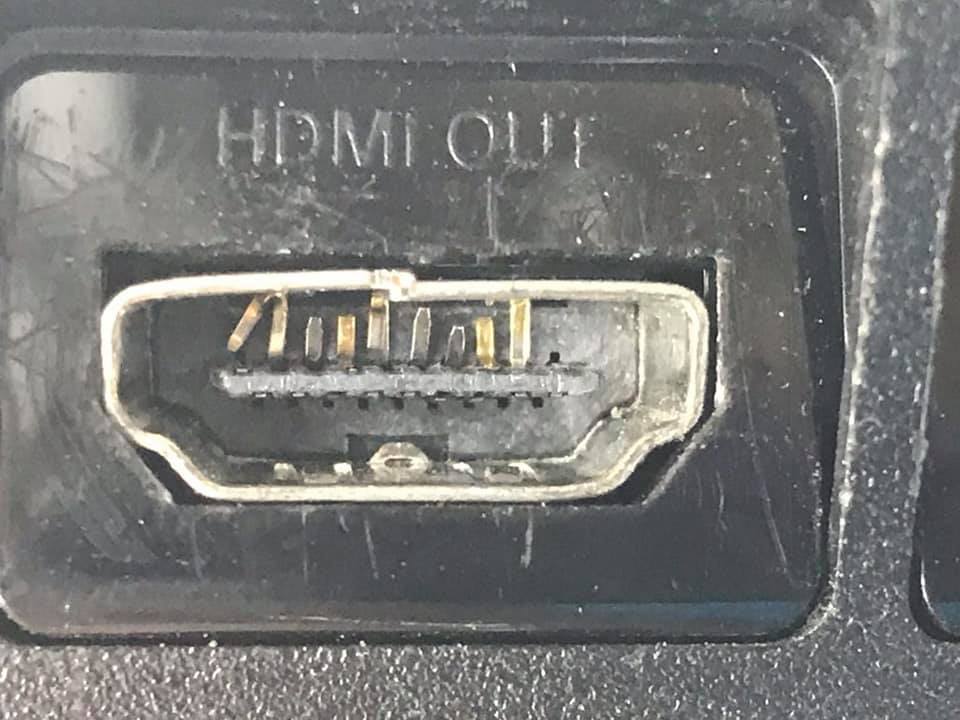
Got A Broken Hdmi Port On You Ps4 Or Beach Technologies Facebook
The connector on the left marked HDMI0 is the primarydefault display.
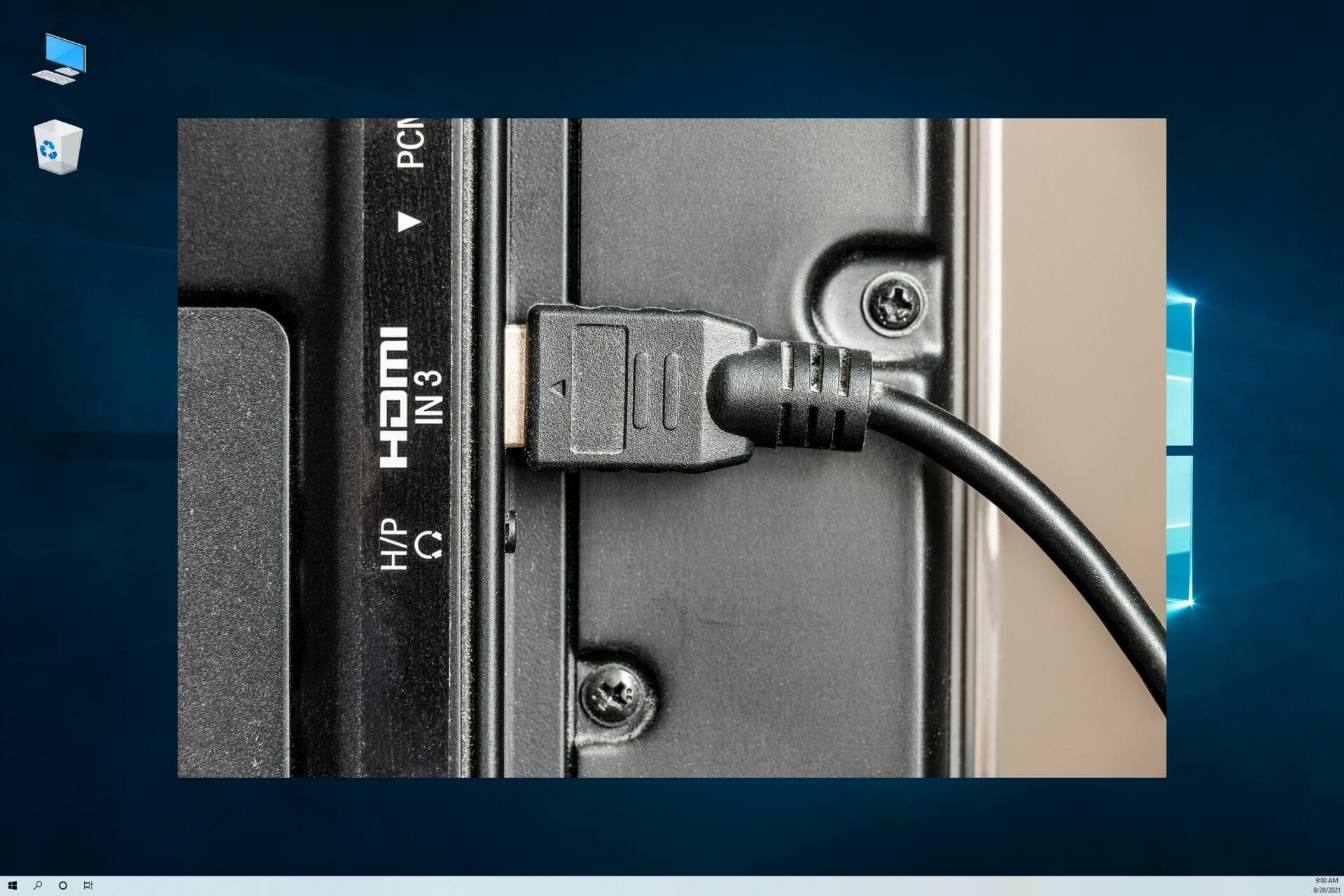
Faulty hdmi port on tv. Because laptops are portable they can be prone to hardware damage. This means if you connect an HDMI source device to a DVI equipped TV you have to make a separate audio connection. It could be that you connected your laptop to HDMI 3 and your TV is displaying HDMI 2 and you spent all this time diagnosing for nothing.
Replace the old AAA batteries for new ones. You can find ways to. Consider trying a different HDMI cord or a different power cord.
If your connecting to a TV make sure you have the proper input selected on your TV. First try a different port on the laptop if it has multiple ports. If the light is not on and the adapter is plugged in the adapter is faulty.
It delivers one of the most impressive and powerful displays with help from its 4K Ultra HD feature and comes with an automatic switch onoff function which offers the user perfect control of the device at every point in. It works if your TV is a long distance from a power receptacle or if you are running cables through walls. Turn on your HDMI TV or HDMI speaker and only then boot your PC.
Check the HDMI cable to see if there are any physical damages. In most cases the no sound issue happens due to a broken cable. While HDMI 21 is very capable watch outits possible your 4K monitor only supports the older HDMI 20 standard.
There is a faultyloose HDMI cable or the HDMI port is faulty The wrong input source is selected on the TV The display settings are preventing the signal or incompatible The TVs firmware is not up to date. Unplug and then plug the cable again. If there is only one port or the other ports arent working try connecting a different device to your TV with the HDMI cable.
Depending on the TV this may be done with either an RCA or 35mm AUX audio connection. For this reason you should check if the HDMI port is still working. Turn on the device.
Then turn off the TV or speaker unplug the devices altogether wait for one minute plug them back in and turn them on again. If the batteries are replaced and you still encounter the same issue reset the device to rule out an actual device issue. Plug the TV monitorLCD back in.
Amazon Fire TV HDMI port damaged or inoperative. Your remote may simply need new batteries. Now again insert the devices and give them the power source.
So when you turn the TV on the soundbar will automatically turn on too and you can even continue using your current TV remote to control the volume of the soundbar. The HDMI high definition multimedia interface made a tremendous stride in video and audio streaming when it finally allowed uncompressed media streaming hence clearer and sharper images and sound. Make sure that the HDMI connection didnt slip out.
As mentioned above all HDMI switchers pass standard Dolby Digital and DTS Digital Surround audio signals but if you are routing the output of the switcher through a home theater receiver instead of going directly to the TV that provides decoding for advanced audio formats such as Dolby TrueHD Atmos DTS-HD Master Audio DTSX you need to make sure that your HDMI switcher is. As the TV now supports the new HDMI port check if the problem is resolved. Again I hooked my Win 81 E5450 to the same TV and it projects fine.
Get 1 multi-function USB-C port 1 USB-C data port 2 USB-A ports a SDmicroSD card reader and an HDMI portall from a compact and lightweight hub. Shift the HDMI cable from one port to the other port of the TV. Maybe its HDMI port has worn out or it has some other hardware related issue.
Inspect the HDMI port connections and see if the cable is correctly fixed in the port. Using only one cableport users could now stream audio and video to their monitors and TVs including 4K content. You can easily do it by using the cable to connect another PC with its monitor or TV.
This type of port can successfully replace old connections such as VGA by bringing in higher resolutions crispier images and clear sound. Powerful Pass-Through Charging Pair up with a Power Delivery USB-C charger and cable to provide high-speed pass-through charging to your MacBook. Monitor or HD TV or LED TV.
The Bose TV Speaker also has HDMI-CEC which allows the TV and soundbar to communicate when connected by an HDMI cable. Here is a way to get constant reliable power to the Fire TV Stick 4K. There is a wide range of reasons behind the HDMI No Sound in Windows 10 When Connected to TV issue.
So doesnt need a hdmi 21 certified cable to connect up sky q box cable that came with it is fine although I guess it doesnt hurt. Disconnect all HDMI sources from the inputs. Although HDMI can pass both video and audio signals DVI connections can only pass video signals.
It starts with the HDMI cable you. However the Bose TV Speaker also has its own remote. I cannot get any M series laptop to project out its HDMI port on two different projectors and 1 TV while the same TV projectors work just fine with an E.
The TV settings have been altered or there is a bug in the latest firmware. Try to set the connection using another HDMI cable and check if the sound problem persists. Out of all these make sure the last two are working properly.
As does an older Inspiron with Windows 10. The 1st version of sky q box is 4k60 8bit and I believe are hdmi 14 so ironically might need input signal plus on the TV hdmi input turned off for compatibility reasons. The Raspberry Pi 4 has two HDMI ports.
This HDMI cable splitter offers you a seamless transition between television gaming and many more thanks to its high connectivity of four HDMI sources via a single port. If youre using just 1 screen youll need to use this one. LG 32MN600P-B 315 Full HD 1920 x 1080 IPS Monitor with AMD FreeSync with Display Port and HDMI Inputs 2020 Model 47 out of 5 stars 260 3 offers from 20615.
Repeat the last two steps for each HDMI port. Make sure the TV is turned on and the channel is set to the same HDMI input screen that the Amazon Fire TV Cube is on. Add a Y splitter for your TV power cord at the TV end of the power cord.
Amazon Fire TV not responding. The HDMI port allows the input device to connect to external peripheral monitors and video projectors through a single cable. Add a NEMA 1-15R adapter for the Fire TV USB power adapter to one of the splitter outputs.
If youre not seeing any HDMI output on your monitor or TV heres a couple of suggestions which usually fix the problem. Then you can test if the problem is with your PC HDMI port. Sometimes the cable you are using to connect the laptop and the TV may not be connecting properly.
Unplug the power cord and plug it back in. Fix HDMI No Sound in Windows 10 When Connected to TV Reasons behind HDMI Cable No Sound on TV Issue. Check the HDMI cable.
PC or laptop with HDMI port. HDMI cables are cheap but keep in mind youll need to upgrade them to be compatible with the 21 standard if you want to make full use of the feature set. To make sure that the cable is well connected to your HDMI port you can also invest in some new HDMI locks.
If that is not that case then plug the cable in the port again making sure that it is not loosely fit. Connect the HDMI cable one device at a time. If your problem is still there then go to the menu option on your external device and set the by default resolution to a 1080i.
Unplug the power from TV monitorLCD for about ten minutes.

Xbox One X Hdmi Port Replacement Repair Service Uk Xfix

Hdmi Port Pins Are Bent Gets No Picture Or Audio To Any Tv With Any Cord How Do I Fix It R Fixit
Full Fix Hdmi Port Not Working Computer Monitor
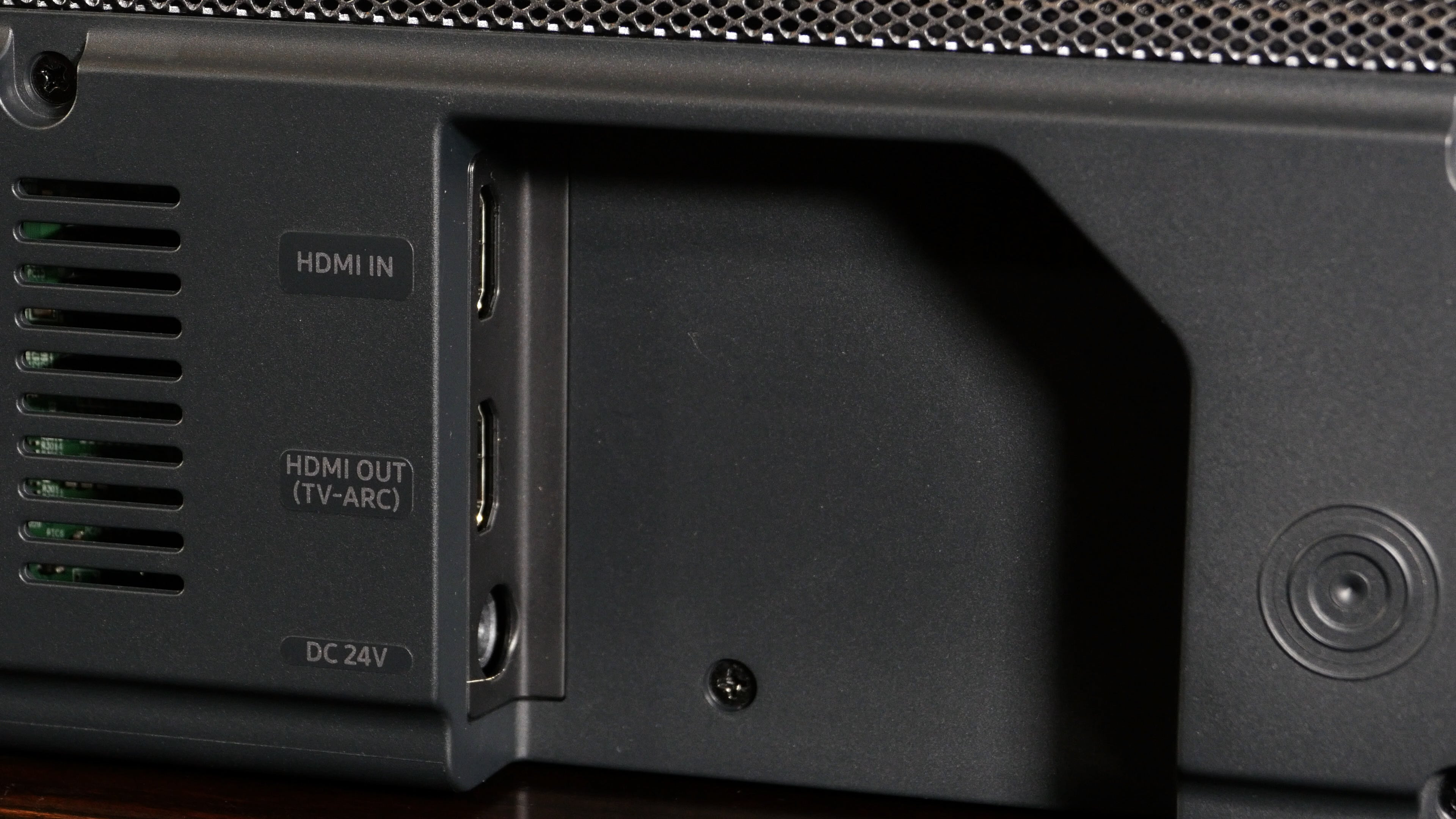
Hdmi Arc And Cec Not Working Try These Fixes Trusted Reviews

Why All Hdmi Cables Are The Same Cnet

Broken Hdmi Port How Do I Go About Fixing This R Xboxone
Hdmi Port Damaged

How To Fix Philips Smart Tv Hdmi Port Not Working A Savvy Web


